OBS 4K app icon

Your iPhone is your best camera.
Now it's your Mac's 4K webcam.

OBS 4K streams your iPhone camera to your Mac in true 4K — over USB or WiFi, with ultra-low-latency H.265 hardware encoding. Works in Zoom, Teams, OBS Studio and every app with virtual camera support.

★★★★★ 4.8 on the App Store
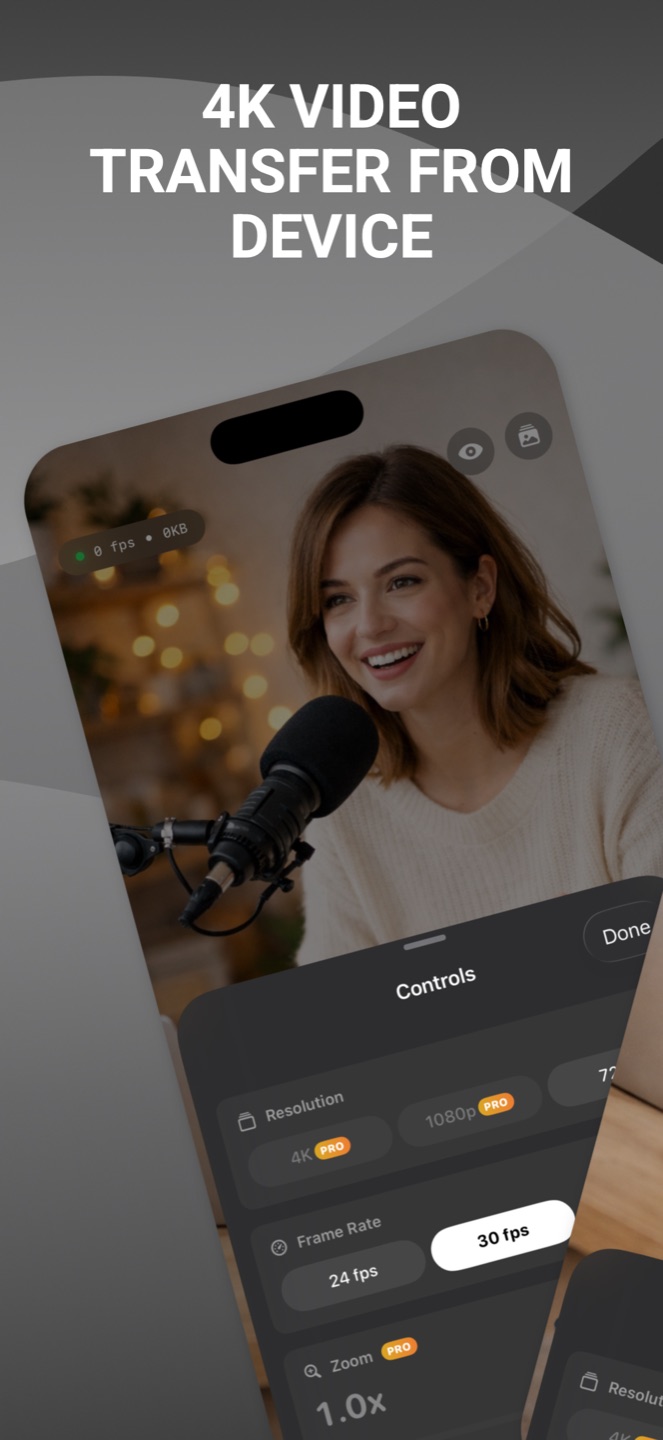
OBS 4K streaming the iPhone camera in 4K with resolution and frame-rate controls
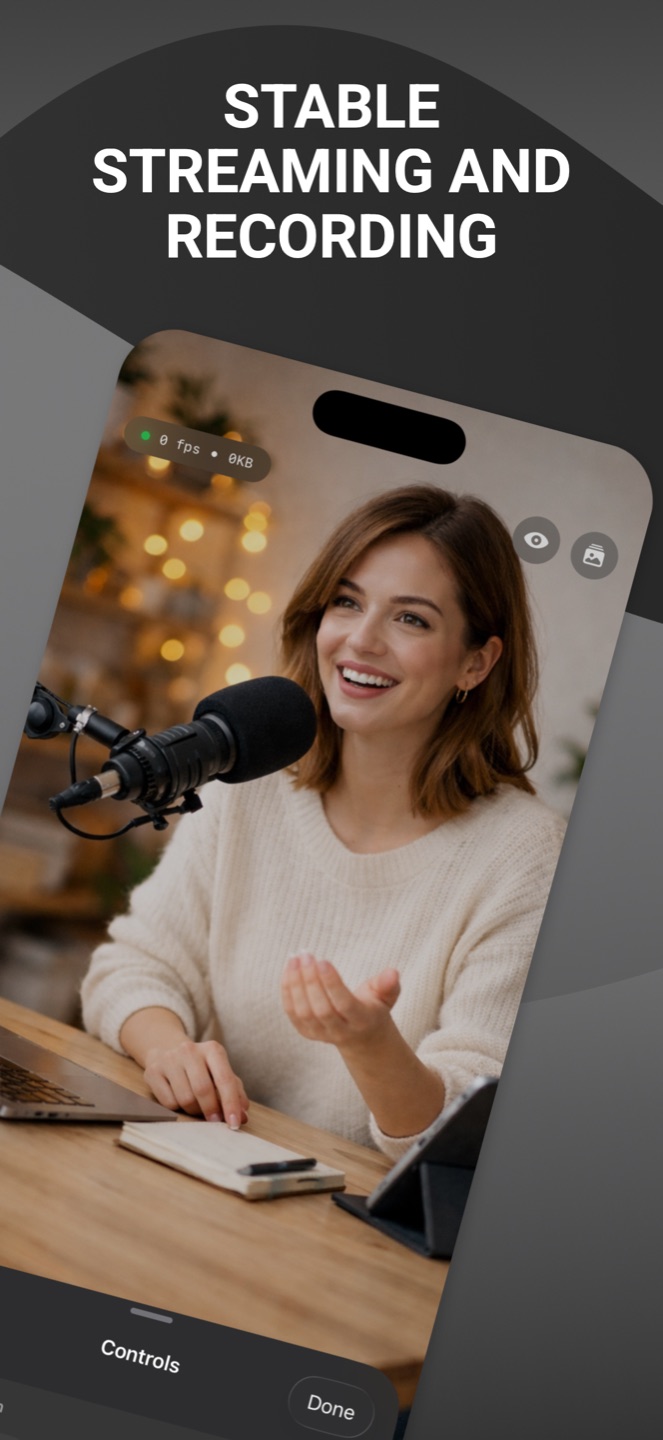
OBS 4K stable streaming and recording
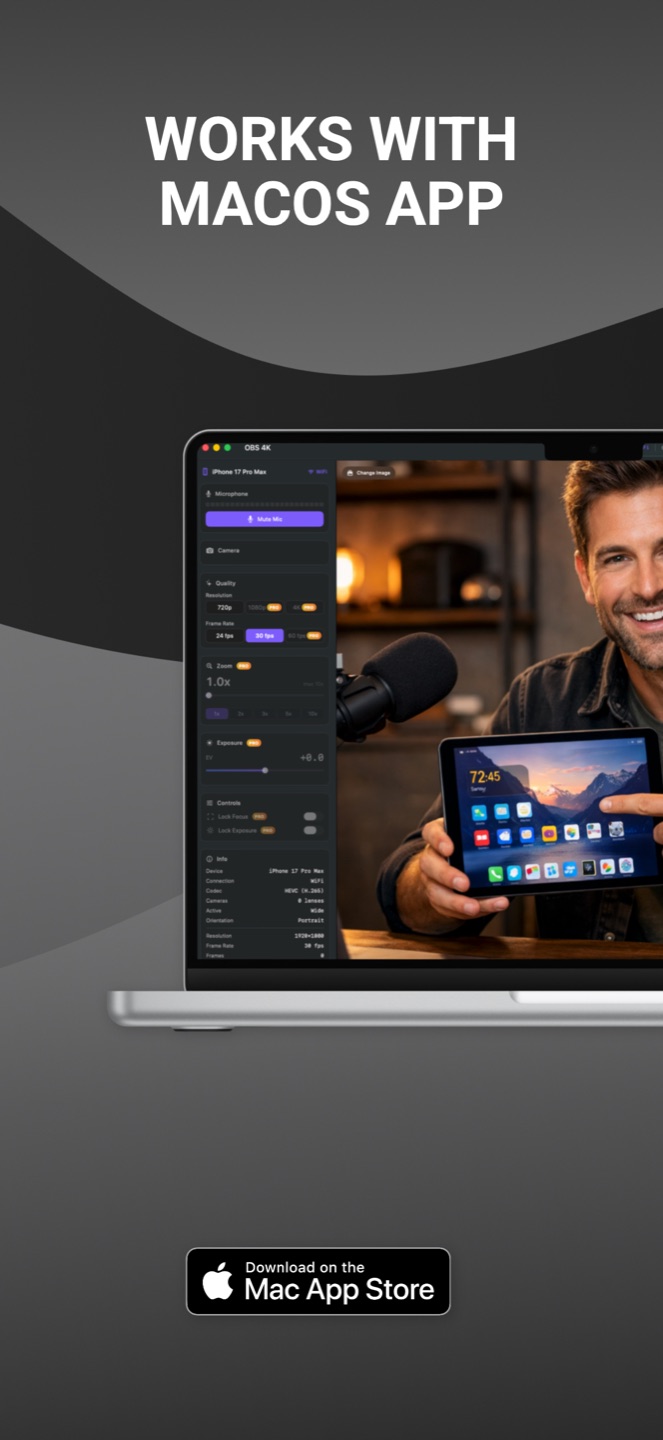
OBS 4K works with the macOS companion app
Broadcast quality

The camera in your pocket beats any webcam you can buy.

Dedicated webcams top out at mediocre sensors and plastic lenses. Your iPhone already has the best camera system you own — OBS 4K unlocks it for your Mac with a zero-copy, hardware-accelerated pipeline.

4K
true 2160p streaming
H.265
HEVC hardware encoding
~0ms
latency over USB
lenses: wide, ultra-wide, tele
How it works

Three steps. About a minute.

Install both apps

OBS 4K on your iPhone, plus the companion app on your Mac — one purchase covers both.

Connect USB or WiFi

Plug in for zero latency, or go wireless. Your iPhone finds your Mac automatically via Bonjour.

Pick "OBS 4K" as your camera

It appears as a virtual camera in Zoom, Teams, Meet, OBS Studio — anywhere you choose a webcam.

Features

Everything a pro stream needs, nothing in the way.

4K

4K / 1080p / 720p

Stream at the resolution that fits your bandwidth and use case, up to full 4K.

H.265

Hardware encoding

HEVC encoding on the iPhone's media engine — maximum quality, minimal battery.

USB

USB & WiFi

Zero-latency wired mode that charges while you stream, or fully wireless freedom.

Lens

Every lens

Switch between wide, ultra-wide and telephoto on the fly, mid-stream.

Dark

Screen curtain

Blank the iPhone display while streaming to save battery on long sessions.

Cam

Virtual camera

Shows up as a system webcam in Zoom, Teams, Meet, OBS Studio and more.

Fast

Ultra-low latency

Zero-copy rendering pipeline keeps video and audio in perfect sync.

Auto

Auto-connect

Bonjour discovery — open the app and your Mac is already waiting.

Pricing

Simple plans. One purchase, iPhone + Mac.

Monthly

$8.99
per month

Lifetime

$199.99
one-time purchase
FAQ

Questions, answered.

Can I use my iPhone as a webcam for my Mac?

Yes. OBS 4K turns your iPhone into a professional 4K webcam for your Mac. Install the iPhone app and the Mac companion, and your iPhone appears as a virtual camera in Zoom, Teams, OBS Studio, and any app that supports virtual cameras — over USB or WiFi.

How is this different from Apple's Continuity Camera?

Continuity Camera tops out below 4K and gives you little control. OBS 4K streams true 4K with H.265 hardware encoding, lets you pick resolution and lens, works over USB for zero latency, and includes a screen curtain mode for long sessions.

Does it work with Zoom, Teams and OBS Studio?

Yes. The Mac companion installs a system virtual camera, so OBS 4K shows up as a webcam in Zoom, Microsoft Teams, Google Meet, OBS Studio, and every other app that accepts virtual cameras.

USB or WiFi — which should I use?

Both work. USB gives zero-latency streaming and charges your iPhone while you stream — best for long calls and recording. WiFi gives full wireless freedom for flexible camera placement. OBS 4K auto-discovers your Mac via Bonjour.

Is my video private?

Completely. Your camera stream travels only between your iPhone and your Mac — over your local network or USB cable. No video data ever touches the internet. Read the full privacy policy.
Look better on every call.
Starting with the next one.

Download OBS 4K